Technology Services
The York Public Library offers a wide variety of services beyond borrowing books and materials. The following are some of the technology resources available for the general public to use.
Public Computers & Internet Access
The main floor of the library features 8 public desktop computers. These computers have secure internet access and full access to Microsoft Office applications.
The library also offers public wireless internet. Wireless internet access is free to use and is even available outside in our parking lot for you to use if the library is closed. There is no password. Simply select “York Public Library” from the wireless options, accept our terms of use, and you’re online. Happy browsing. Please remember this is an unsecure, public access, wireless channel.
One-on-One Computer Assistance
The Library offers individual one hour sessions for computer assitance. These can be used to learn a new skill, get some help with a phone/iPad/other electronic device, eBooks, we will do our best to troubleshoot your problem. Please contact Devin Burritt at dburritt@yorkpubliclibrary.org or 207-363-2818 x2019 to schedule an appointment.
AWE Computer Game Stations
The Children’s Room is home to two early literacy AWE computer stations. Games are educational in nature and feature age-appropriate content for developing young minds.
Digitization Equipment
The library hosts an array of equipment to digitize your photos. This includes scanners for journals or oversized documents, photos, and film negatives and slides. We also have access to tools to digitize VHS tapes, create oral histories, and digitize old DVDs. See the Reference and Technology librarian for assistance.
Photocopiers
The library has one black and white photocopier located on the lower level, outside of the Community Room. Photocopies cost $.10 per page.
Printer
The library has a color printer that prints from our computers as well as mobile devices and laptops. Prints cost $0.20 a page.
Scanners
A flatbed scanner is available at the circulation desk and can be used to create images of documents and photographs. Those images can be saved, edited, printed, and e-mailed. Ask a librarian if you would like to use the scanner.
We also have a networked feed scanner that can quickly scan single or double sided documents or photos. This item is available on each public computer and can also be installed directly to your laptop. See a librarian for assistance.
External DVD/CD Drive
Our public computers do not feature a DVD/CD drive, but fear not, the library possesses an external DVD/CD drive for patrons to use. The DVD/CD drive is available at the circulation desk and can be used to view content.
Audiovisual Equipment
The Community Room at the library features a full array of audiovisual equipment that is available to use for presentations within the library. If you have a meeting or presentation at the library in the Community Room and would like to use our audiovisual technology, please make an appointment with a librarian to review how to properly use the equipment prior to your presentation.
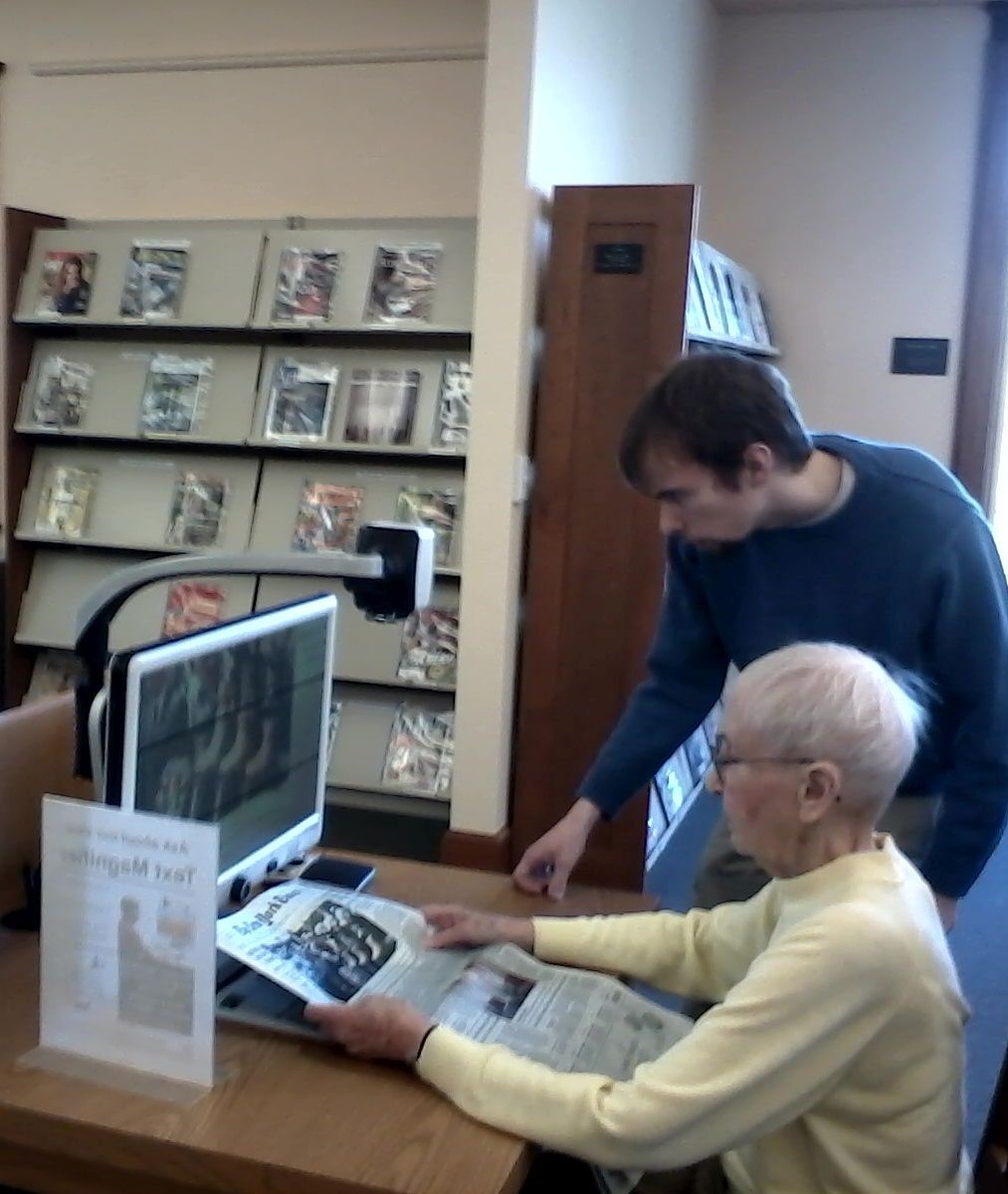
Electronic Magnifier for the Visually Impaired
The main floor of the library features a DaVinci magnifier for the visually impared. Please ask a librarian for help if you have not used the device before and would like a brief tutorial.
More Resources
Learning a new skill can be tricky. This is especially the case when it comes to technology and computers, and it can be a challenge to know where to begin. Here are some resources to get you started:
TechBoomers.com TechBoomers.com is geared more towards older adults with limited computer skills. The courses provided have a great variety, and feature important topics like internet safety and privacy. The site also has a helpful tour for how to use all of the features and navigate the site.
Typing.com If you want to learn how to improve your typing skills, Typing.com is a helpful resource. Learn how to type using the touch typing style, which means typing without looking down at your keyboard. You can create a free account to save your progress, change the theme layout to suit your taste, and play typing games to improve your skills.
CodeAcademy.com If you’re a more advanced computer user looking to learn a programming language or create computer scripts, CodeAcademy.com is a great place to start. The website features free and pro (paid) versions, and offers courses on programming languages, practice exercises and more. Not sure where you want to start? Take their quiz and find out which careers, languages, and courses suit your personal interests and strengths best.
If you need assistance with any of library technology we are here to help!
“We are stuck with technology when what we really want is just stuff that works.”
– Douglas Adams